
You’re staring at a customer support form, and it’s asking for your WiFi customer ID number. You have zero idea where to find it. Sound familiar? You’re definitely not alone. This tiny string of digits causes more frustration than it probably should, and yet it’s one of the most important pieces of info tied to your internet account. Whether you’re troubleshooting a connection issue, upgrading your plan, or just trying to pay your bill online, your customer ID is the key that unlocks everything. If you’re living abroad or managing utilities in a new country, like many expats do, getting a handle on local account details matters even more. For example, even setting up something as basic as a Singapore phone number as a foreigner often requires navigating similar account verification steps.
Share your referral code with friends and family. When they sign up and complete a transaction, you earn points or rewards based on the active program.
*Rewards and mechanics may vary by program period. Terms and conditions apply.
What Is a WiFi Customer ID Number?
A WiFi customer ID number (sometimes called a subscriber ID, account ID, or service number) is a unique identifier your internet service provider (ISP) assigns to your account the moment you sign up. Think of it as your personal label in their system. It’s not your router’s IP address, and it’s not your WiFi password. It’s purely an administrative number that links you, the subscriber, to your service contract.
1. Why Does Your Customer ID Matter?
Your customer ID is basically your ticket to dealing with your ISP efficiently. Without it, customer service agents will struggle to pull up your account quickly, and self-service portals may not let you log in or verify your identity at all.
Here are some situations where you’ll need it:
- Calling or chatting with customer support about outages or slow speeds
- Paying your bill through the ISP’s app or website
- Upgrading or downgrading your internet plan
- Requesting a technician visit or service transfer
- Canceling or suspending your subscription
2. Is It the Same as Your WiFi Username or Password?
Nope, completely different things. Your WiFi username and password are used to connect devices to your network. Your customer ID is an account-level reference number used by your ISP’s backend system. They serve totally separate purposes, so don’t mix them up when filling out support forms.
Where to Find Your WiFi Customer ID Number
Good news: once you know where to look, finding it is actually pretty straightforward. There are several reliable places to check, and you probably have access to at least one of them right now.
1. Check Your Monthly Bill or Invoice
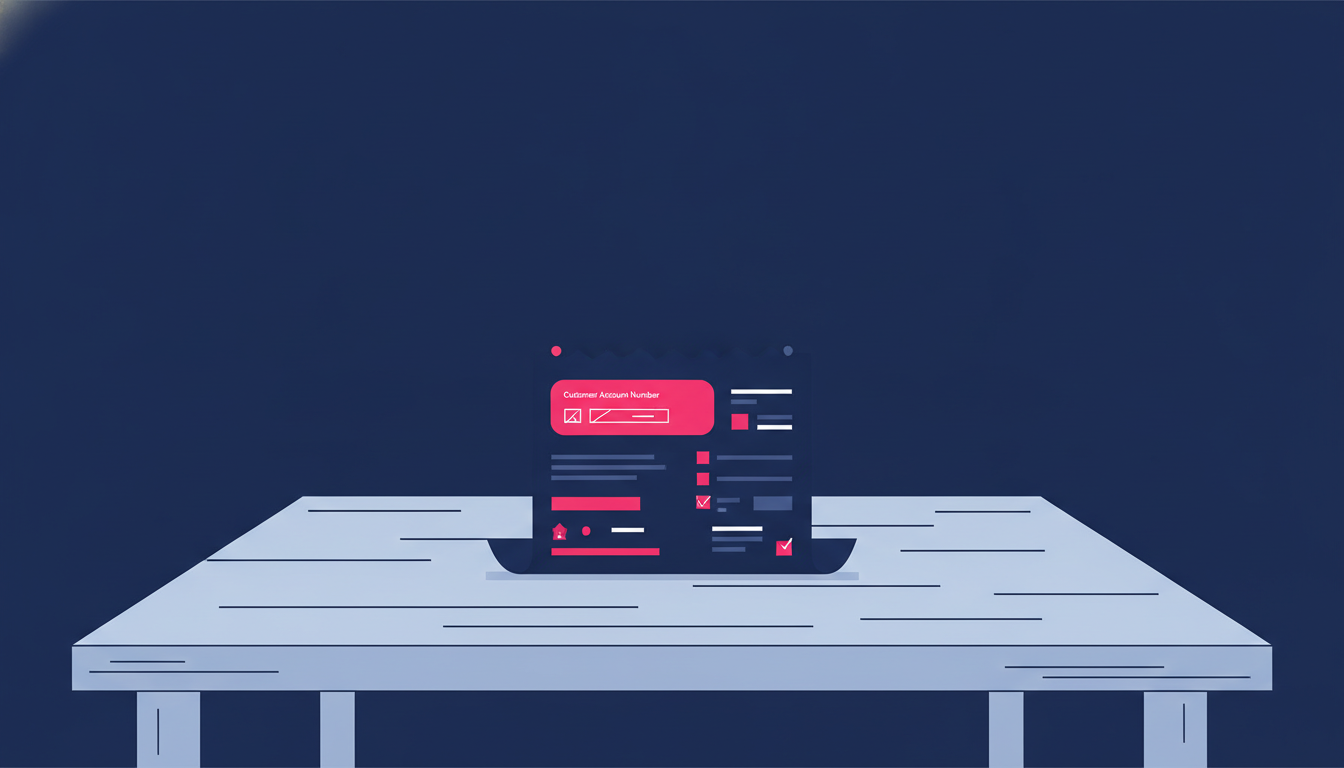
This is the easiest starting point. Whether you receive a paper bill by mail or a digital invoice by email, your customer ID number is almost always printed near the top, usually in a section labeled “Account Number,” “Subscriber ID,” or “Customer Reference.” Pull up your last invoice and scan the header area first.
2. Look at Your ISP’s Welcome Letter or Welcome Email
When you first signed up for internet service, your provider likely sent you a welcome letter or onboarding email. That document almost always includes your customer account number. Search your inbox for the ISP’s name combined with words like “welcome,” “account details,” or “your subscription.”
3. Log Into Your ISP’s Online Portal or App
Most modern ISPs have a self-service website or mobile app. Once you log in with your registered email and password, look for a section called “My Account,” “Profile,” or “Account Details.” Your customer ID number is usually displayed prominently on the dashboard or account summary page.
4. Check the Router Sticker or Packaging
Some ISPs print the customer ID on a sticker attached to the modem or router they provide. Flip the device over or check the side panels. You might find it labeled as “Account No.” or “Sub ID” alongside the default WiFi network name and password.
5. Call or Chat with Customer Support
If none of the above work, just reach out to your ISP directly. You’ll need to verify your identity using your registered name, address, and phone number. Once confirmed, the agent can share your customer ID with you instantly. Save it somewhere safe after that so you don’t have to go through this again.
How to Use Your WiFi Customer ID Number Effectively
Finding your customer ID is only half the job. Knowing how to use it smartly will save you a lot of time whenever you interact with your internet provider.

1. Save It in a Secure but Accessible Place
Store your customer ID in your phone’s notes app, a password manager, or even a simple document on your computer. You don’t want to be hunting for it every time you need support. Treat it the same way you’d treat your bank account number: keep it private but close at hand.
2. Use It to Speed Up Customer Support Calls
When you call your ISP, lead with your customer ID right away. Agents can immediately pull up your account without going through a lengthy verification process. This alone can cut your support call time in half.
3. Enter It Correctly When Paying Bills Online
When paying through third-party payment platforms or your bank’s bill payment feature, you’ll often need to enter your customer ID number to link the payment to your account. Double-check each digit carefully because a typo here can mean your payment gets lost or delayed.
4. Use It for Plan Changes or Service Requests
Whether you’re submitting a request online or visiting a service center in person, having your customer ID ready makes the whole process smoother. It removes ambiguity and ensures any changes are applied to the correct account, especially important if you share a name with someone else on the system.
Tips for Expats and Frequent Movers
If you move around a lot, whether for work, study, or just the adventure of it, managing utility accounts across different countries adds a layer of complexity. Each country’s ISPs have slightly different systems, terminology, and verification processes. But the core concept of a WiFi customer ID number stays consistent almost everywhere.
Keep a dedicated folder, physical or digital, where you store all your account numbers: WiFi, utilities, mobile plans, and banking. When you relocate, this folder saves you hours of back-and-forth with providers. It also helps when you need to transfer or close accounts before leaving.
Managing finances across borders is a related challenge many expats face. Sending money internationally or paying bills in foreign currencies can get complicated, but using a trusted platform like Transfez makes that side of expat life a lot more manageable.
See Also: Apple Singapore Store: Overviews, Reviews, and Full History
Perfect for community managers, group admins, content creators, or anyone who wants to help others send money abroad — and get rewarded for it.
- ✓Promote Transfez using your affiliate link or code
- ✓Earn a commission each time a referred user completes a transaction
- ✓Official program — full info page & T&Cs available
*Terms and conditions apply. Rewards are subject to change in accordance with program policy.
Download the Transfez App
The Transfez app helps you send money abroad faster, cheaper, and more efficiently. Jack Finance can also support your company's cross-border transactions. Sending money to family studying, working, or traveling overseas? Transfez has you covered. Available on Android and iOS — download now!