Tutorial How to Enter a Referral Code on Transfez Singapore



Got a referral or affiliate code from a friend? Enter the code and earn exciting rewards 🎁
There are two easy ways to enter your referral code in the Transfez Singapore app.
If you’re still registering your account, you can enter your referral code during the sign-up process.
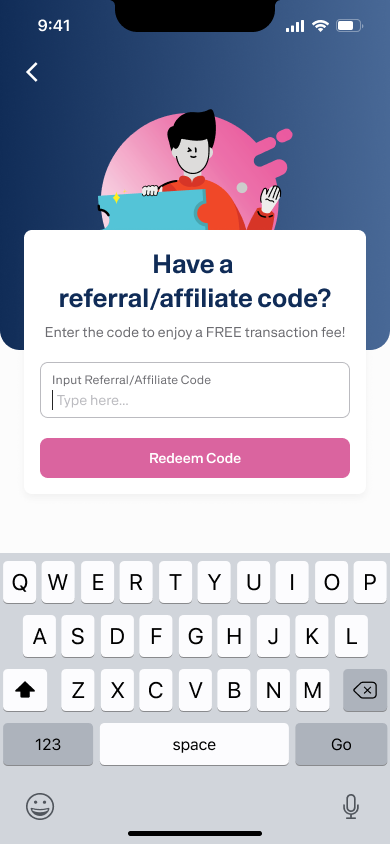
If the code is valid, it will be saved and your reward will be processed according to the program terms.
Missed it during sign-up? No worries 😊
You can still enter the referral code after your account is created.
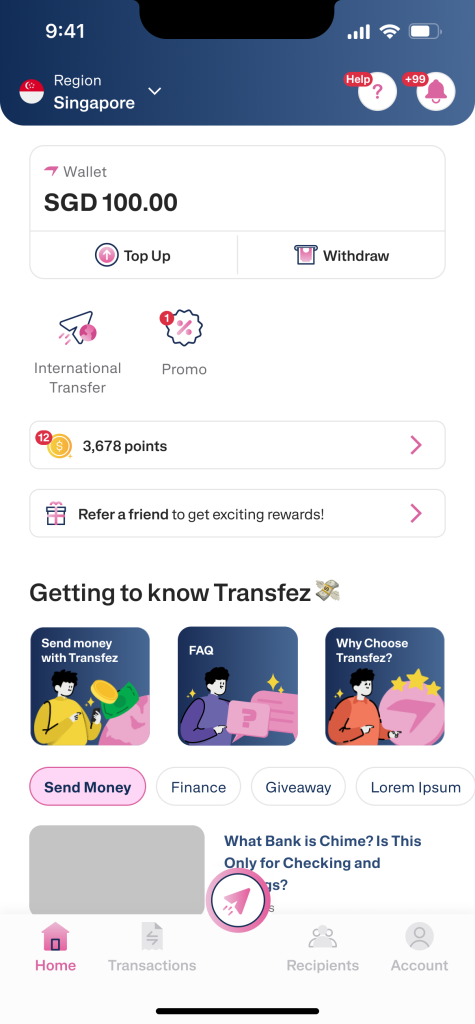
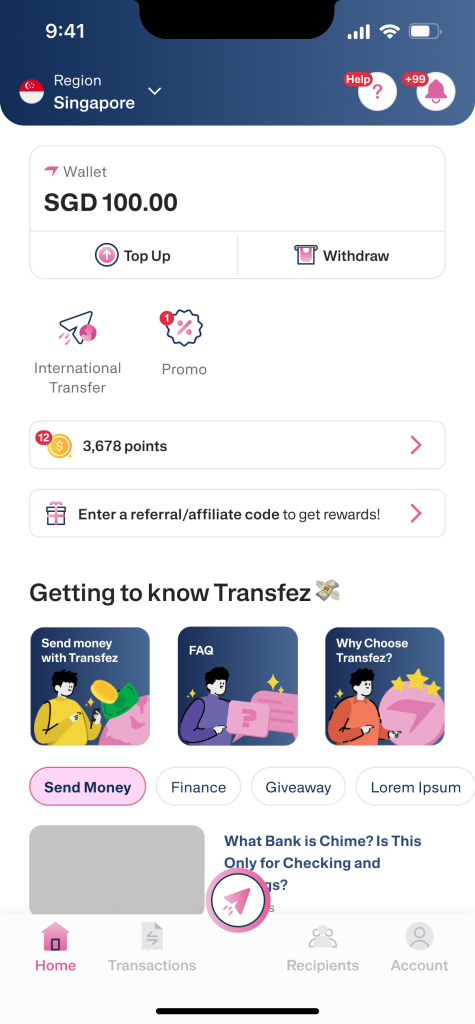
1. From the Home screen, tap Enter Referral Code or Invite Friends.
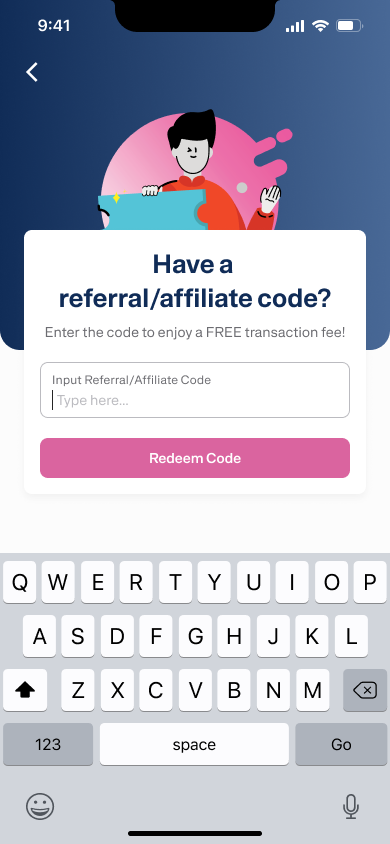
2. Enter your referral/affiliate code, then tap Redeem Referral Code.
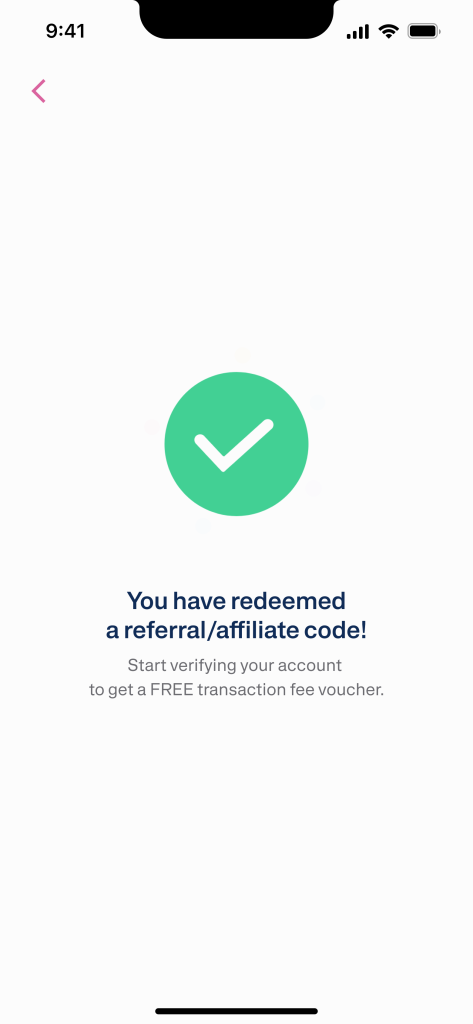
3. If successful, you’ll see a confirmation that your code has been redeemed successfully.
To ensure your reward can be processed and you can start sending money, make sure you:
Once done, you’re ready to send money from Singapore to Indonesia easily with Transfez.
#SantaiTapiSampai 🇸🇬🇮🇩