Transfez Singapore App Registration Guide


If you’re looking for an easy and reliable way to send money from Singapore to Indonesia, the first step is creating a Transfez Singapore account.
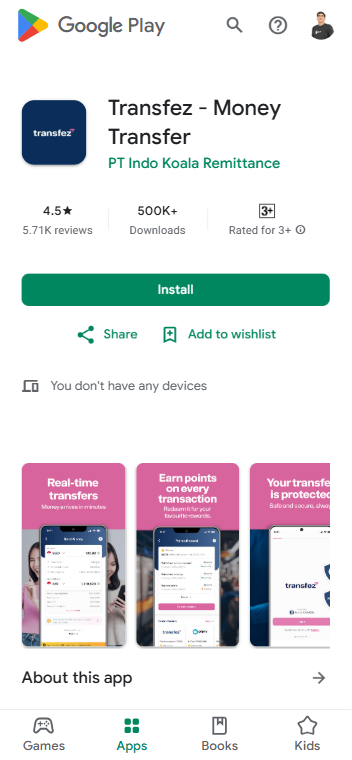
The Transfez app is officially available on both the Apple App Store and Google Play Store, so you can get started right away from your smartphone.
Before registering, download the Transfez app on your device:
Simply search for “Transfez”, then install the app.
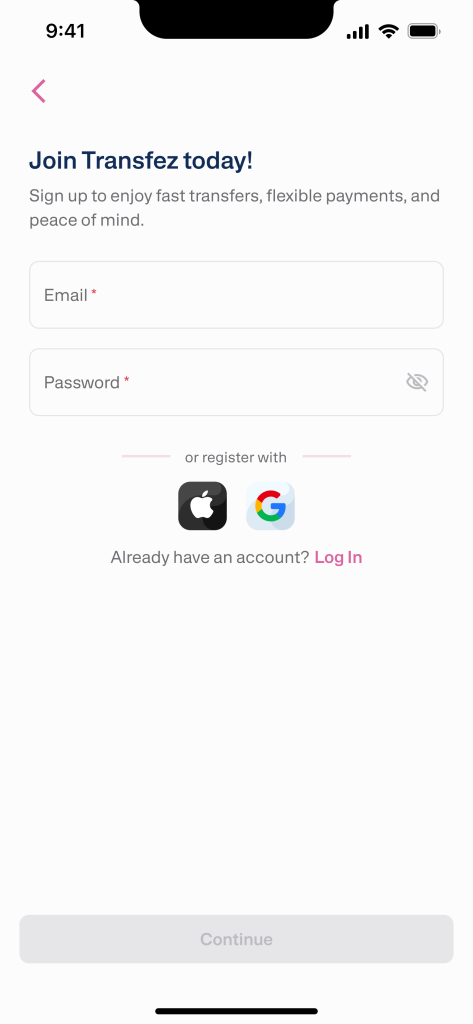
Once the app is installed:
Make sure to use an email address you frequently check, as it will be used for important account updates.
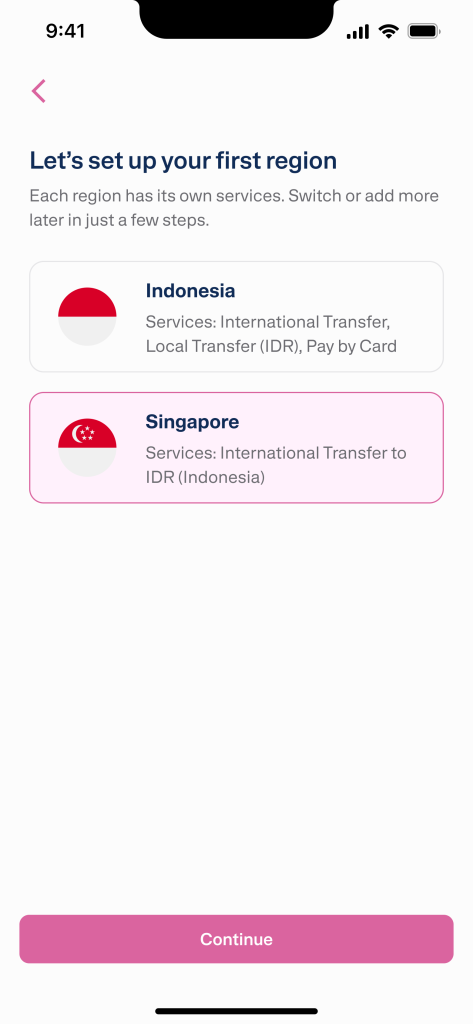
Next, choose your service region:
Select Singapore
This ensures your account is set up correctly for Singapore-based services, including top-up methods and transfer options.
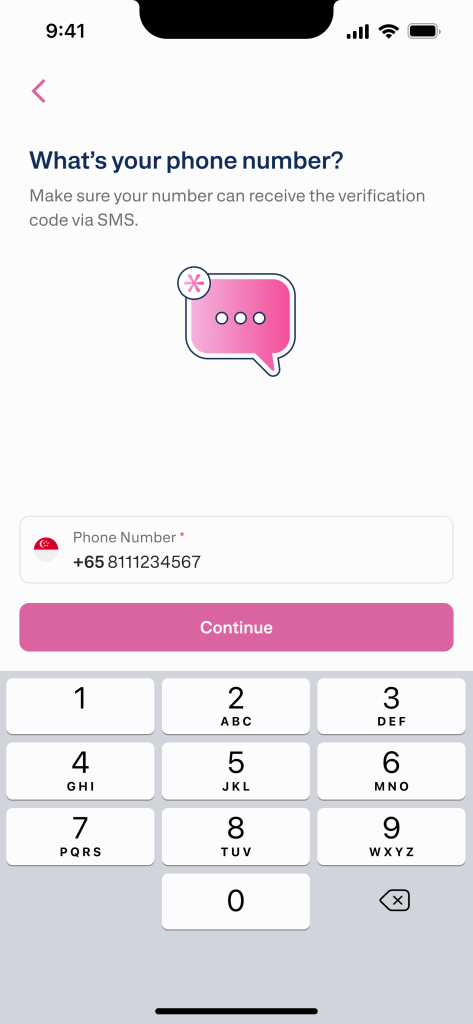
You will then be asked to provide your mobile phone number.
This number will also be used for security and account notifications.
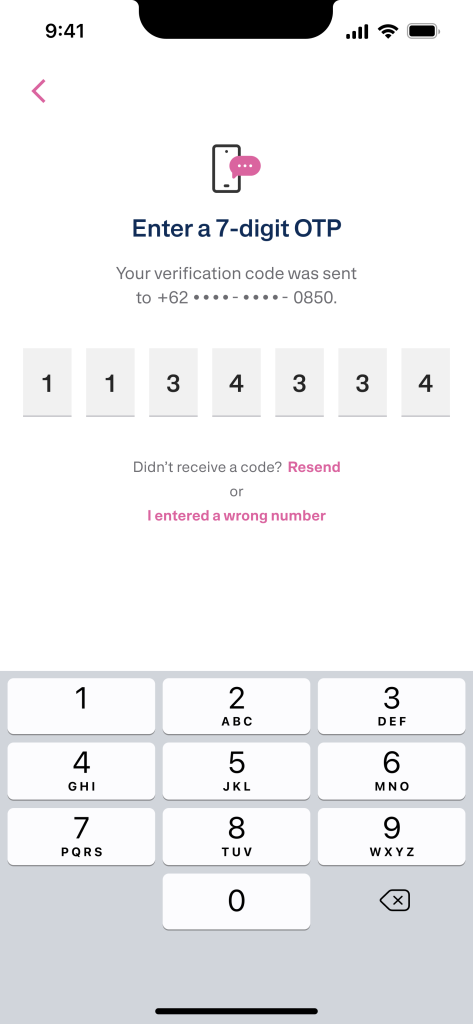
Once you receive the SMS:
This step verifies that the phone number belongs to you.
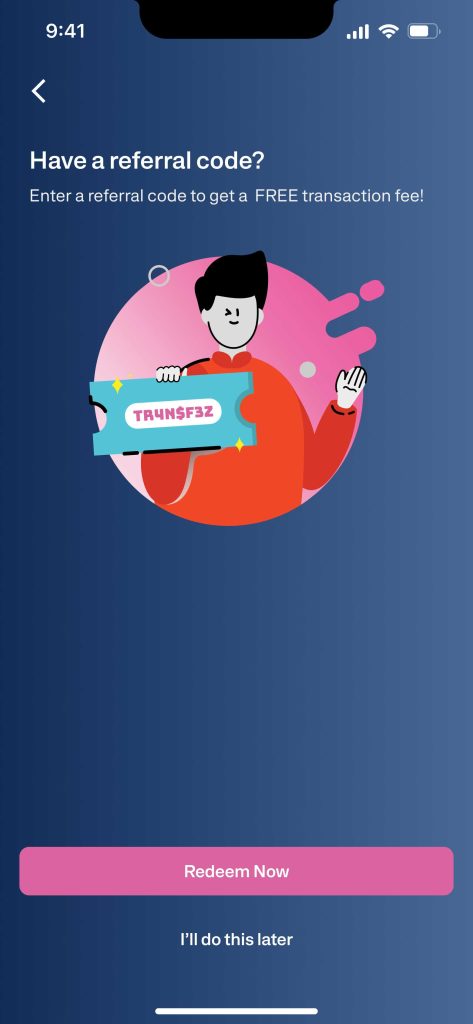
If you have a referral/affiliate code, you can enter it at this stage.
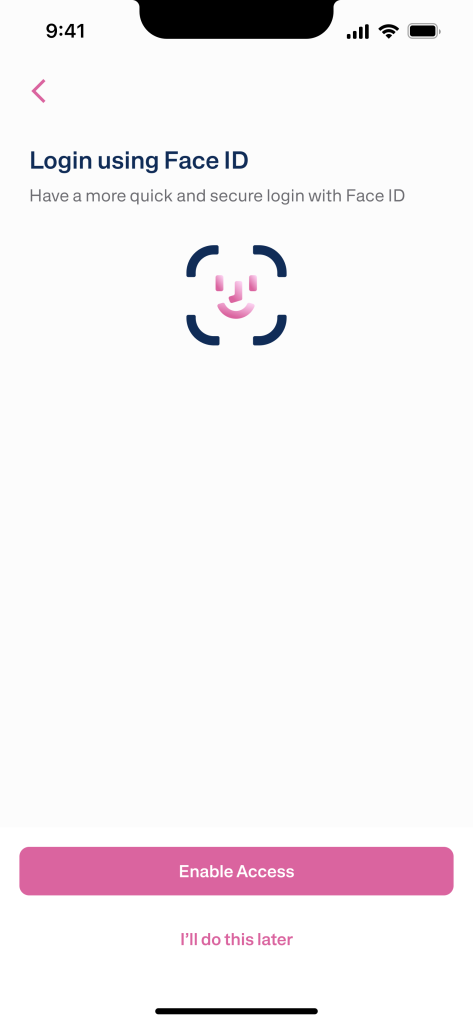
To keep your account secure, Transfez will prompt you to enable biometric security:
This adds an extra layer of protection to your account.
That’s it! ✅
Your Transfez Singapore account is now ready.
The next step is identity verification (KYC), which is required before you can start sending money.
If you still have questions, please contact our Customer Service via our Email at [email protected] or via WhatsApp at +65 - 9244 - 8077