
Ever felt like you’re spending too much with GoPay Later? You’re definitely not alone. That little “buy now, pay later” feature can be incredibly convenient when you need it, but sometimes it becomes a bit too tempting for our own good.
Share your referral code with friends and family. When they sign up and complete a transaction, you earn points or rewards based on the active program.
*Rewards and mechanics may vary by program period. Terms and conditions apply.
Understanding GoPay Later Before You Deactivate
Before jumping into the deactivation process, let’s quickly cover what you’re actually turning off. GoPay Later is essentially a credit feature that lets you make purchases and pay for them later, usually within 30 days or through installment plans.

The service integrates with various Gojek ecosystem services – from GoFood orders to GoRide payments. Once you deactivate it, you’ll lose access to this credit facility permanently, so make sure you’re ready for that change.
Think of it as closing a credit card – once it’s done, you can’t just flip a switch and get it back immediately if you change your mind.
Step-by-Step Guide to Deactivate GoPay Later
Ready to take the plunge? Here’s exactly how to deactivate your GoPay Later account safely and completely.
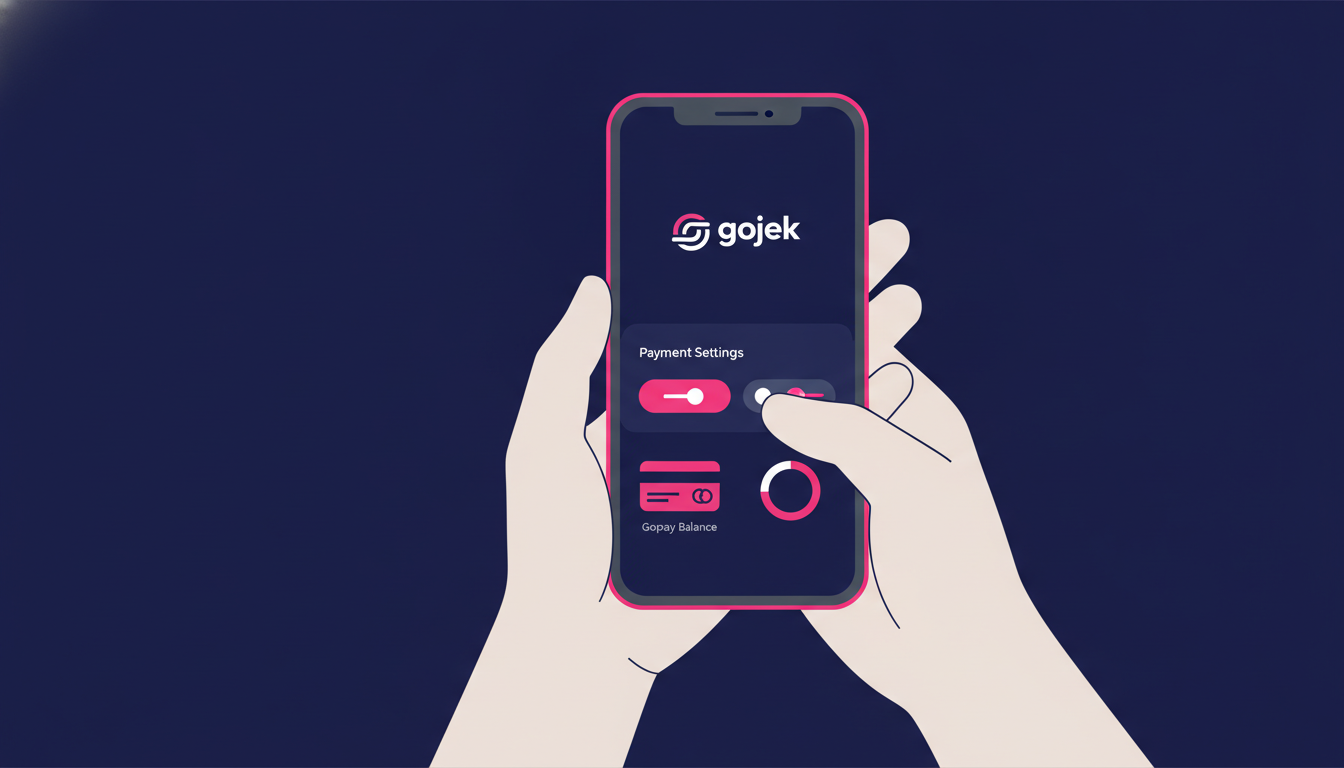
1. Clear All Outstanding Balances First
This is absolutely crucial – you cannot deactivate GoPay Later if you still have unpaid balances. Check your account for any pending payments, including upcoming installments.
Open your Gojek app, navigate to GoPay, then tap on “GoPay Later” to see your current balance and payment schedule. Pay off everything completely before proceeding.
2. Open the Gojek App and Navigate to Settings
Once your account is clean, open your Gojek app and tap on your profile picture in the top-left corner. Look for “Account Settings” or simply “Settings” in the menu.
From there, you’ll need to find the payment-related settings. This might be under “Payment Methods” or “GoPay Settings” depending on your app version.
3. Find the GoPay Later Deactivation Option
Within the payment settings, look for “GoPay Later” or “Credit Settings.” You should see an option to manage or deactivate the service.
If you can’t find this option immediately, try using the search function within the app – just type “GoPay Later” and it should direct you to the right place.
4. Follow the Deactivation Process
The app will likely ask you to confirm your decision multiple times. This is normal – they want to make sure you really want to close this feature.
You might be asked to provide a reason for deactivation. Be honest here – whether it’s for financial discipline, lack of need, or any other reason.
5. Contact Customer Service if Needed
Sometimes the in-app process doesn’t work perfectly, or you might not find the deactivation option. In that case, don’t hesitate to contact Gojek customer service directly.
You can usually reach them through the app’s help section or by calling their customer service line. Explain that you want to permanently deactivate GoPay Later, and they’ll guide you through the process.
What Happens After Deactivation
Once you’ve successfully deactivated GoPay Later, several things will change in your Gojek experience. Understanding these changes helps you prepare for life without the credit feature.

First, you’ll no longer see the “Pay Later” option when making purchases through any Gojek services. This means you’ll need to have sufficient GoPay balance or use other payment methods for all transactions.
Your transaction history related to GoPay Later will still be visible for record-keeping purposes, but you won’t be able to make new credit transactions.
Alternative Payment Methods to Consider
Without GoPay Later, you’ll want to make sure you have other convenient payment options set up. Here are some alternatives to consider:
- Top up your regular GoPay balance more frequently
- Link a debit card for automatic top-ups
- Use cash for smaller transactions
- Consider other digital payment apps for backup
The key is finding a payment rhythm that works for your budget without the temptation of credit spending.
Tips for Managing Finances Without GoPay Later
Deactivating GoPay Later is often part of a broader effort to improve financial habits. Here are some practical tips to help you succeed without relying on credit for everyday purchases.
Set up a dedicated fund for your regular Gojek expenses. If you typically spend a certain amount monthly on GoFood or transportation, allocate that money at the beginning of each month.
Consider using the envelope budgeting method – either physically or digitally. Assign specific amounts for different spending categories and stick to those limits.
Building Better Spending Habits
Without the safety net of GoPay Later, you’ll naturally become more mindful of your spending. This is actually a good thing for long-term financial health.
Try tracking your expenses for a few weeks to understand where your money goes. You might be surprised by some of your spending patterns.
If you find yourself missing the convenience, remember that this temporary inconvenience is helping you build stronger financial discipline.
Troubleshooting Common Deactivation Issues
Sometimes the deactivation process doesn’t go as smoothly as expected. Here are solutions to common problems you might encounter.
If the app shows an error when you try to deactivate, first make sure you’re using the latest version of the Gojek app. Outdated versions sometimes have bugs that prevent certain actions.
Another common issue is having forgotten about a scheduled payment or recurring transaction. Double-check your payment history and upcoming transactions before attempting deactivation again.
When to Contact Support
Don’t hesitate to reach out for help if you’re stuck. Gojek’s customer service team is generally helpful with account-related issues like this.
When you contact them, have your account information ready and be clear about what you want to achieve. Mention any error messages you’ve encountered or steps you’ve already tried.
Moving Forward Without GoPay Later
Congratulations on taking this step toward better financial control! Deactivating GoPay Later might feel a bit restrictive at first, but most people find they adapt quickly to planning their spending more carefully.
Remember, you can still enjoy all the convenience of Gojek’s services – you’ll just be paying with money you actually have rather than credit. That’s a pretty powerful shift toward healthier financial habits.
Perfect for community managers, group admins, content creators, or anyone who wants to help others send money abroad — and get rewarded for it.
- ✓Promote Transfez using your affiliate link or code
- ✓Earn a commission each time a referred user completes a transaction
- ✓Official program — full info page & T&Cs available
*Terms and conditions apply. Rewards are subject to change in accordance with program policy.
Download the Transfez App
The Transfez app helps you send money abroad faster, cheaper, and more efficiently. Jack Finance can also support your company's cross-border transactions. Sending money to family studying, working, or traveling overseas? Transfez has you covered. Available on Android and iOS — download now!