
Running a business in Indonesia without accepting digital payments? You’re literally leaving money on the table. With over 180 million digital wallet users across the archipelago, customers expect seamless payment options – and DANA QRIS is one of the most popular choices.
Share your referral code with friends and family. When they sign up and complete a transaction, you earn points or rewards based on the active program.
*Rewards and mechanics may vary by program period. Terms and conditions apply.
What is DANA QRIS and Why Your Business Needs It
DANA QRIS combines the power of DANA’s digital wallet with Indonesia’s national QR payment standard (QRIS). Think of it as your business’s digital cashier that works 24/7.

Here’s what makes DANA QRIS special: customers can pay using any QRIS-compatible app – not just DANA. That means whether they prefer GoPay, OVO, ShopeePay, or dozens of other e-wallets, your single QR code accepts them all.
The benefits go beyond convenience. You’ll get instant payment notifications, automatic transaction records, and detailed sales analytics. Plus, you can track peak hours, popular items, and customer patterns – insights that help grow your business.
Requirements Before Creating Your DANA QRIS
Before diving into the setup process, make sure you have everything ready. Missing documents can delay your approval by weeks.

1. Essential Business Documents
You’ll need your business registration documents. For individual businesses, this means your KTP (Indonesian ID card) and NPWP (tax number). If you’re running a company, prepare your business license, company registration certificate, and authorized signatory documents.
Don’t have an NPWP yet? You can apply online through the tax office website. It’s free and usually takes 1-2 weeks to process.
2. Bank Account Requirements
You need an active Indonesian bank account in your name or your business name. DANA supports most major banks including BCA, Mandiri, BRI, BNI, and CIMB Niaga.
The account should have been active for at least 3 months. New accounts might face additional verification steps.
3. Business Location and Contact Info
Have your complete business address ready, including postal code. You’ll also need an active phone number and email address for account verification and customer support.
Step-by-Step Guide to Create DANA QRIS
Creating your DANA QRIS account takes about 15-20 minutes if you have all documents ready. The approval process usually takes 1-3 business days.
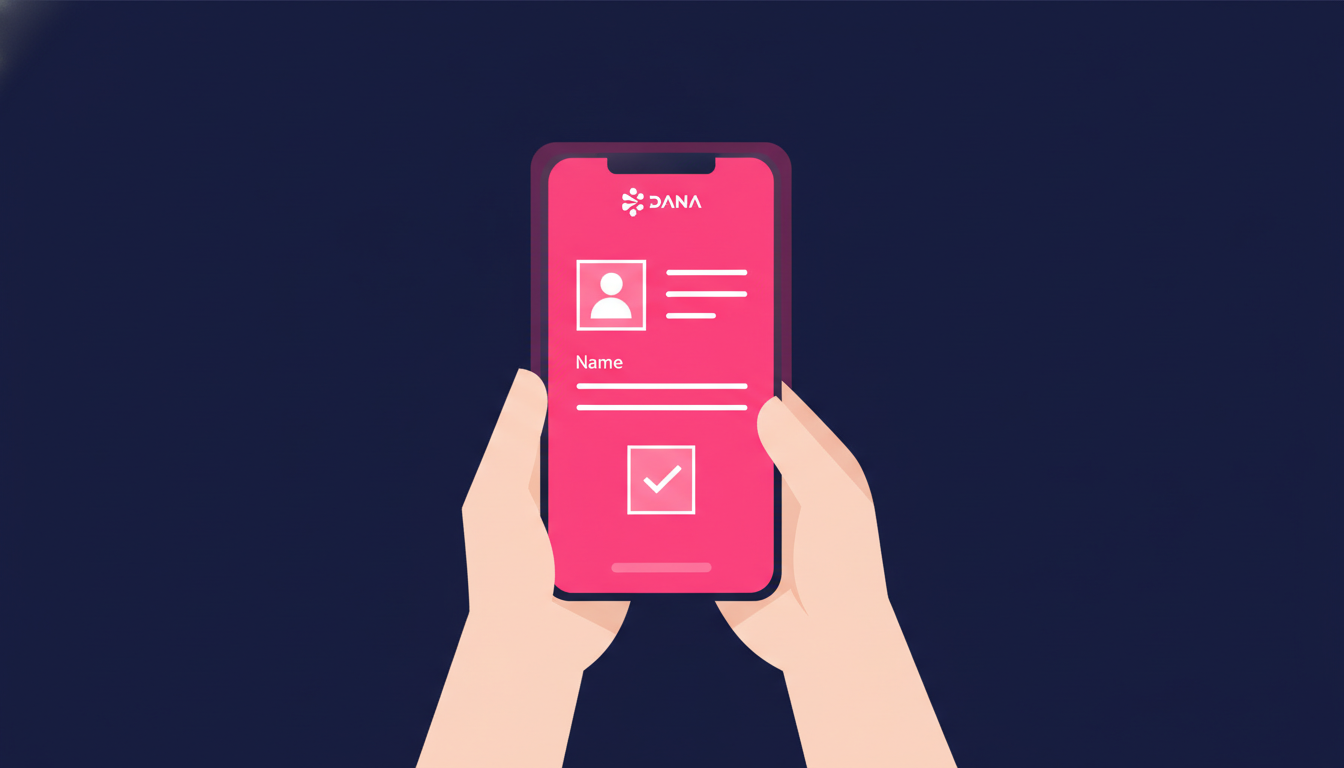
1. Download DANA Business App
Head to Google Play Store or Apple App Store and search for “DANA Business” (not the regular DANA app). Download and install the official app – look for the blue checkmark to avoid fake versions.
Open the app and select “Register New Account” or “Daftar Akun Baru.”
2. Choose Your Business Type
DANA offers different account types based on your business structure:
- Individual/Personal Business: For sole proprietors, freelancers, and small traders
- Company/Corporate: For registered companies with business licenses
- Government/NGO: For government agencies and non-profit organizations
Select the category that matches your business. When in doubt, most small businesses choose “Individual.”
3. Enter Business Information
Fill out your business details accurately. This includes:
- Business name (as it appears on official documents)
- Business category (food & beverage, retail, services, etc.)
- Complete address with postal code
- Contact phone number and email
- Estimated monthly transaction volume
Double-check everything before submitting. Incorrect information can delay approval or cause payment issues later.
4. Upload Required Documents
Take clear photos of your documents. Make sure all text is readable and there’s no glare or shadows. The app will guide you through each document type.
For individual businesses, upload your KTP and NPWP. Company accounts need additional documents like business licenses and company registration certificates.
5. Bank Account Verification
Enter your bank account details exactly as they appear on your bank statement. DANA will verify account ownership by making a small test deposit (usually 1-5 rupiah).
Check your bank account within 24 hours and enter the exact deposit amount in the app to complete verification.
6. Set Up Your QR Code
Once approved, you can customize your QRIS code. Add your business logo, choose colors that match your brand, and set up payment preferences.
You can generate multiple QR codes for different locations or purposes – one for dine-in, another for takeaway, or separate codes for different product categories.
Customizing Your DANA QRIS for Maximum Impact
A well-designed QRIS setup can significantly boost your payment adoption rates. Here’s how to optimize yours for better customer experience.
1. Strategic QR Code Placement
Print your QR code in multiple sizes and place them strategically. Put larger versions at your counter or entrance, and smaller ones on tables or product displays.
Consider weather-resistant materials if you’re outdoors. Laminated codes last longer and stay scannable even when wet.
2. Clear Payment Instructions
Not everyone knows how to use QRIS. Add simple instructions: “Scan QR, Enter Amount, Confirm Payment.” Include logos of popular e-wallet apps to show compatibility.
Consider bilingual instructions if you serve international customers, especially in tourist areas.
3. Set Up Payment Notifications
Configure instant payment notifications through SMS, email, or app push notifications. This helps you confirm payments immediately and provide better customer service.
You can also set up notifications for daily sales summaries and weekly transaction reports.
Common Issues and Troubleshooting Tips
Even with perfect setup, you might encounter occasional hiccups. Here’s how to handle the most common DANA QRIS issues.
1. QR Code Won’t Scan
If customers can’t scan your code, check for damage, dirt, or poor lighting. QR codes need clear contrast to work properly.
Always keep backup printed codes handy. Digital displays can fail, but printed codes keep working.
2. Payment Not Received
Sometimes payments take a few minutes to appear, especially during peak hours. Check your transaction history in the DANA Business app before assuming a payment failed.
If payments consistently don’t appear, contact DANA customer service through the app or their hotline.
3. Customer Payment Errors
Train your staff to help customers with common payment issues. Most problems happen when customers enter wrong amounts or have insufficient balance.
Keep a backup payment method available – cash or card reader – for customers who can’t use digital payments.
Growing Your Business with DANA QRIS Analytics
The real power of DANA QRIS lies in the data it provides. Use these insights to make smarter business decisions.
1. Track Peak Hours
Monitor when most payments happen. This helps optimize staff schedules and inventory management. If you’re busiest at lunch, ensure adequate supplies and staffing during those hours.
2. Analyze Customer Behavior
Look at average transaction amounts, popular payment times, and customer return patterns. This data helps with pricing strategies and promotional planning.
3. Monitor Monthly Growth
Track month-over-month growth in transaction volume and customer count. Set realistic targets and celebrate milestones with your team.
Best Practices for DANA QRIS Success
Want to maximize your digital payment adoption? Follow these proven strategies used by successful Indonesian businesses.
1. Educate Your Customers
Some customers hesitate to try digital payments due to unfamiliarity. Be patient and offer assistance. Once they try it successfully, they’ll likely use it again.
Consider offering small incentives for digital payments – like priority service or loyalty points – to encourage adoption.
2. Keep Cash as Backup
While digital payments are growing rapidly, cash remains important in Indonesia. Always accept multiple payment methods to serve all customers.
This is especially important for international customers who might not have Indonesian e-wallet apps. For businesses serving overseas clients, understanding international money transfer options can also be valuable.
3. Maintain Good Customer Service
Quick payment confirmation and friendly assistance create positive experiences. Happy customers recommend your business to others, driving organic growth.
See Also: How to Remit Money from Singapore to OVO, Dana, and GoPay: The Real-Time Digital Solution
Perfect for community managers, group admins, content creators, or anyone who wants to help others send money abroad — and get rewarded for it.
- ✓Promote Transfez using your affiliate link or code
- ✓Earn a commission each time a referred user completes a transaction
- ✓Official program — full info page & T&Cs available
*Terms and conditions apply. Rewards are subject to change in accordance with program policy.
Download the Transfez App
The Transfez app helps you send money abroad faster, cheaper, and more efficiently. Jack Finance can also support your company's cross-border transactions. Sending money to family studying, working, or traveling overseas? Transfez has you covered. Available on Android and iOS — download now!