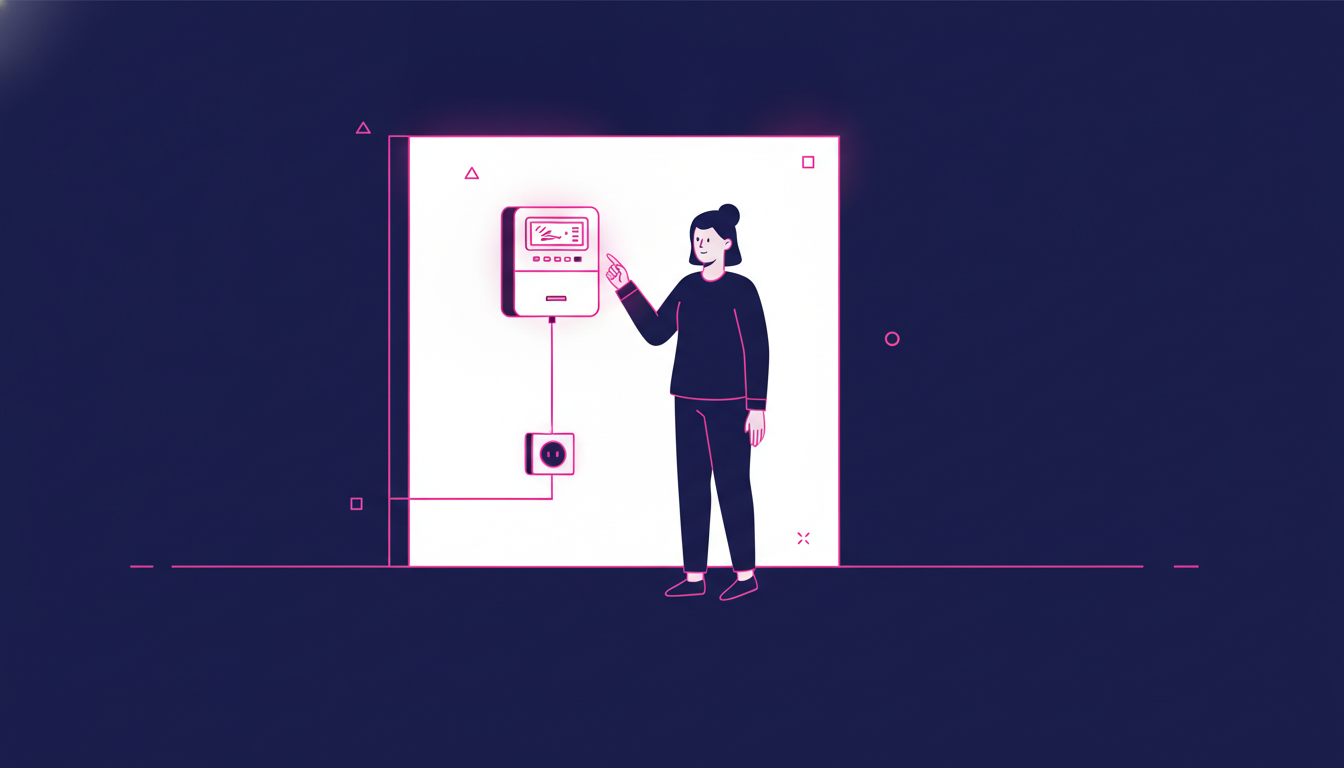
You’re finally drifting off to sleep, the room is quiet, and then… beep. beep. beep. Your prepaid electricity meter starts chirping like it has something urgent to say at midnight. Sound familiar? If you’ve ever lived with a prepaid electricity token meter, you know exactly how maddening that sound can be. Whether it’s a low-credit alert, a confirmation beep after entering a token, or just a random notification, the noise can seriously disrupt your peace at home.
Share your referral code with friends and family. When they sign up and complete a transaction, you earn points or rewards based on the active program.
*Rewards and mechanics may vary by program period. Terms and conditions apply.
Why Does Your Prepaid Electricity Meter Keep Beeping?
Before you silence it, it helps to know why it’s making noise in the first place. Prepaid electricity meters (also called token meters or KWh meters) are designed to alert you through sound for several reasons.
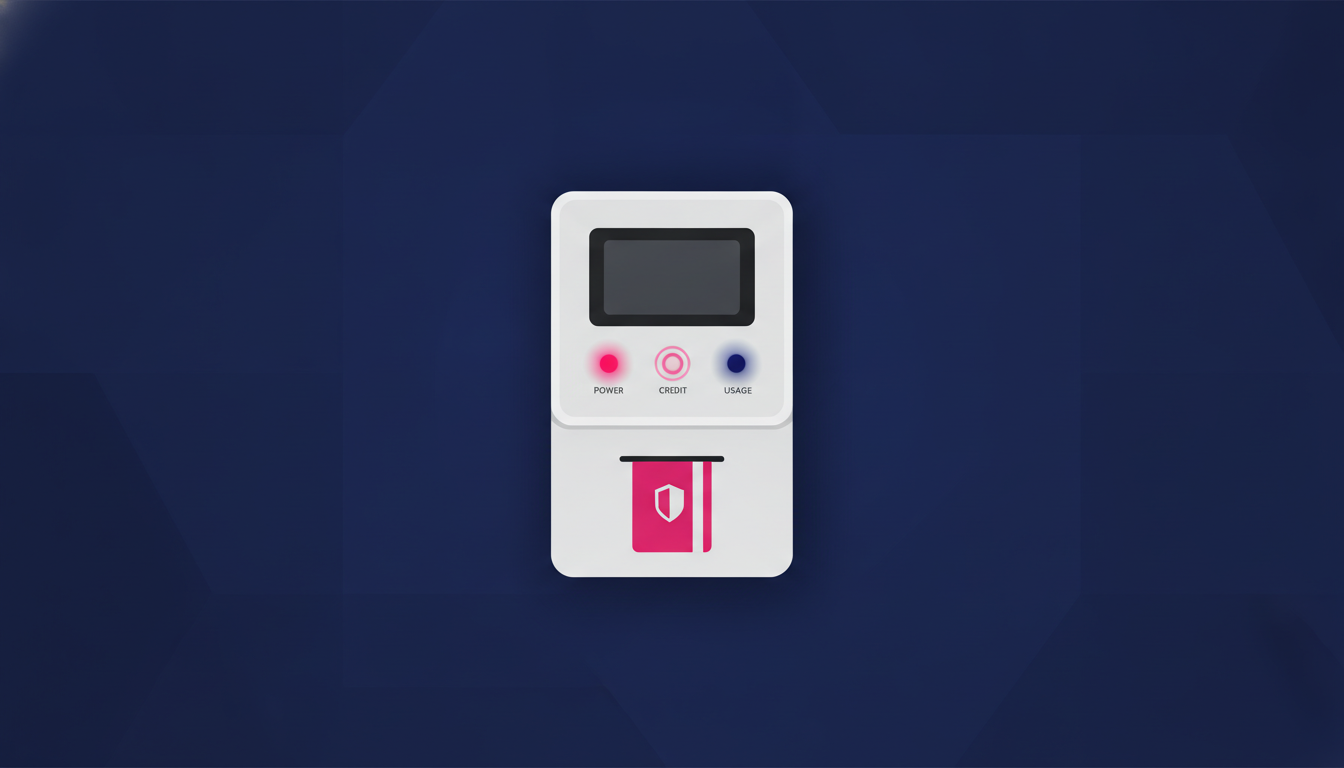
1. Low Credit Warning
The most common cause of that persistent beeping is a low credit balance. When your electricity credit drops below a certain threshold, the meter beeps repeatedly to warn you that you’re running low and need to top up soon.
2. Token Entry Confirmation
When you enter a new electricity token code, the meter beeps to confirm the entry was accepted. This is a one-time sound and usually stops on its own after a few seconds.
3. Tamper or Error Alerts
Some meters beep when they detect unusual activity, a wiring issue, or an internal error. This type of beeping usually comes with an error code on the display screen.
4. Default Factory Sound Setting
Some meter models simply have the sound turned on by default from the manufacturer. Even without any alerts, certain meters emit periodic sounds as part of their standard operation, and this can be adjusted or disabled.
How to Permanently Turn Off the Beeping Sound on Your Prepaid Meter
The method you use will depend on your meter’s brand and model. The most widely used prepaid electricity meters in Southeast Asia include brands like Itron, Hexing, Landis+Gyr, and Star. Each has slightly different button combinations, but the logic is similar across models. Here’s how to approach it.

1. Try the Standard Button Combination Method
Many prepaid meters allow you to toggle the sound off through a simple keypad sequence. The most commonly reported method that works on several popular models is entering 812 followed by the Enter or Accept button. Some models respond to pressing and holding the Enter button for 5 to 10 seconds. After doing this, the display may briefly show a confirmation like “SOUND OFF” or the beeping will simply stop.
2. Use the Code Specific to Your Meter Brand
Different brands use different codes to access the sound settings. Here’s a quick reference for common meters:
- Itron meters: Press 812 + Enter to toggle the alarm sound on or off.
- Hexing meters: Try pressing 812 + Enter or hold the backlight/function button for several seconds.
- Landis+Gyr meters: Check the meter display for a menu option using the scroll button. Some models have a dedicated sound menu.
- Star (Bintang) meters: Use 456 + Enter or consult the user manual as this brand varies by firmware version.
If none of these work immediately, try the sequence a couple of times. Some meters require the input twice to confirm the change.
3. Check the Manual or Label on Your Meter
Your meter may have a small sticker with a model number. Take note of it and search for the specific user manual online. The manufacturer’s official guide will list the exact keypad sequence for sound settings. This is especially useful if your meter is a less common model.
4. Contact Your Electricity Provider
If you’ve tried all the button combinations and nothing works, your next step is to call your electricity provider’s customer service line. In Indonesia, that would be PLN. In other countries, it’s your local state or private power utility. Explain that you want to disable the meter’s alarm sound, and they can either walk you through the process over the phone or send a technician to help. This is the safest option if you’re unsure about pressing unfamiliar codes on your meter.
5. Request a Technician Visit for Persistent Issues
If the beeping is caused by an error code or a tamper alert rather than just the default sound setting, you should not try to silence it through button presses alone. This type of beeping may signal a real problem with the meter. Request an official technician visit to inspect and resolve the issue properly before attempting to mute any alerts.
Things to Keep in Mind Before You Disable the Sound
Turning off your meter’s beeping sound is generally harmless if done correctly, but there are a few things worth keeping in mind so you don’t accidentally create a bigger problem.

1. Don’t Ignore the Low Credit Alert Entirely
If you disable the beeping, make sure you have another way to monitor your electricity credit. Many providers now offer apps or SMS notifications to track your balance. Set a reminder to top up regularly so you don’t get caught off-guard with no power. Silencing the meter doesn’t mean your credit situation changes.
2. Never Tamper with the Meter’s Internal Components
Some DIY forums suggest physically disconnecting a buzzer inside the meter. Do not do this. Opening the meter casing is illegal in most countries and can void warranties, trigger tampering alerts, or even cause electrical hazards. Always stick to the approved keypad method or contact your provider.
3. The Sound Might Reset After a Power Outage
On some older meter models, the sound setting resets to the default (on) after a power interruption. If this happens to you, simply re-enter the same code sequence after the power comes back on. It’s a minor inconvenience, but good to know in advance.
Managing Electricity Costs as an Expat or Overseas Worker
If you’re an expat or migrant worker helping a family member back home manage utility bills remotely, staying on top of electricity tokens can be tricky from overseas. Many families in Indonesia and other parts of Southeast Asia rely on prepaid meters, and topping up remotely requires sending money home in a reliable, timely way. Understanding local utility systems, including how to manage and silence those alert sounds, helps you give better guidance to your family even from thousands of kilometers away.
Being aware of local living costs, like electricity bills, also ties into broader financial awareness. For instance, if you’re based in Australia or Singapore, understanding your own tax and income situation helps you plan how much to send home. Knowing about income tax in Australia or the Singapore income tax rate can help you budget smarter for both local expenses and international support.
See Also: Expatriate vs Immigrant: the Key Differences and Similarities
Perfect for community managers, group admins, content creators, or anyone who wants to help others send money abroad — and get rewarded for it.
- ✓Promote Transfez using your affiliate link or code
- ✓Earn a commission each time a referred user completes a transaction
- ✓Official program — full info page & T&Cs available
*Terms and conditions apply. Rewards are subject to change in accordance with program policy.
Download the Transfez App
The Transfez app helps you send money abroad faster, cheaper, and more efficiently. Jack Finance can also support your company's cross-border transactions. Sending money to family studying, working, or traveling overseas? Transfez has you covered. Available on Android and iOS — download now!