

Got a referral or affiliate code from a friend? Enter the code and earn exciting rewards 🎁
There are two easy ways to enter your referral code in the Transfez Singapore app.
Option 1. During Account Registration
If you’re still registering your account, you can enter your referral code during the sign-up process.
- After entering your email address and phone number, a page will appear allowing you to enter a referral/affiliate code.
- Enter the code you received from your friend, then tap Redeem Code.
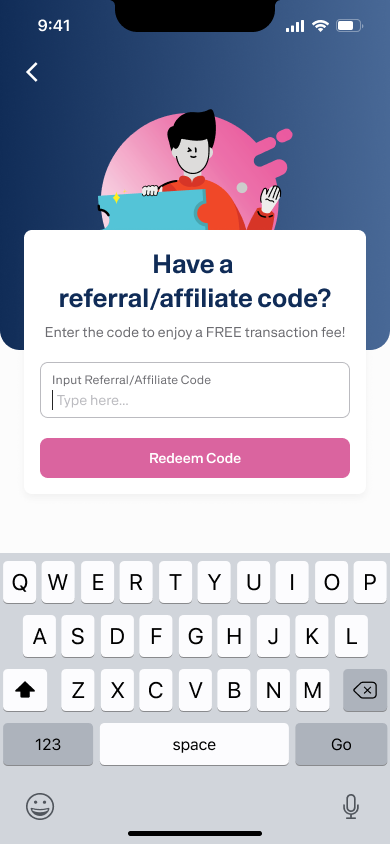
If the code is valid, it will be saved and your reward will be processed according to the program terms.
Option 2. After Your Account Is Created
Missed it during sign-up? No worries 😊
You can still enter the referral code after your account is created.
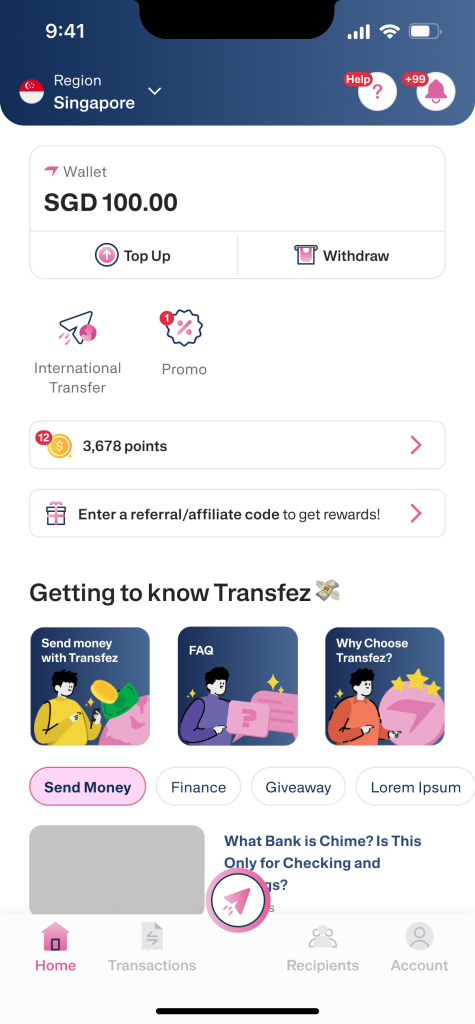
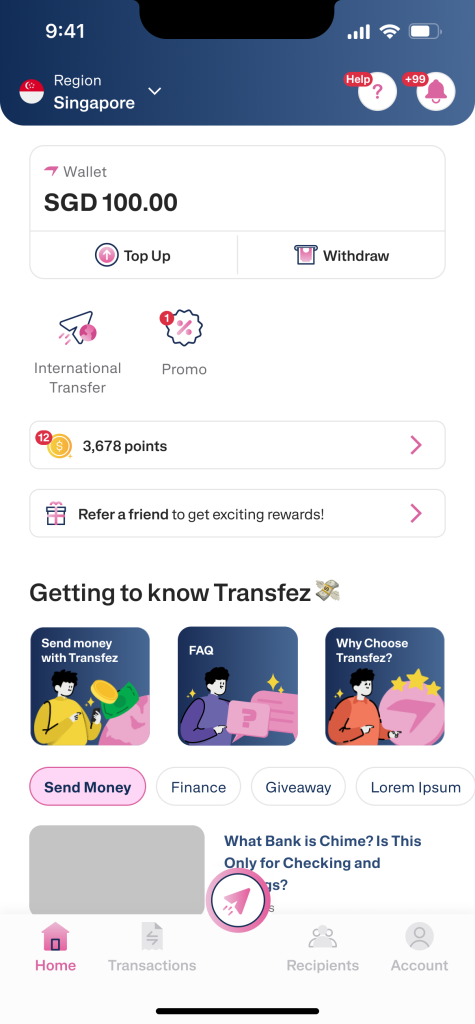
1. From the Home screen, tap Enter Referral Code or Invite Friends.
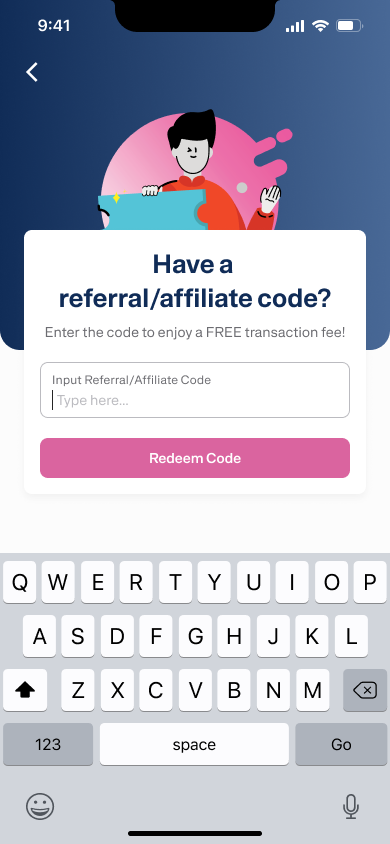
2. Enter your referral/affiliate code, then tap Redeem Referral Code.
3. If successful, you’ll see a confirmation that your code has been redeemed successfully.
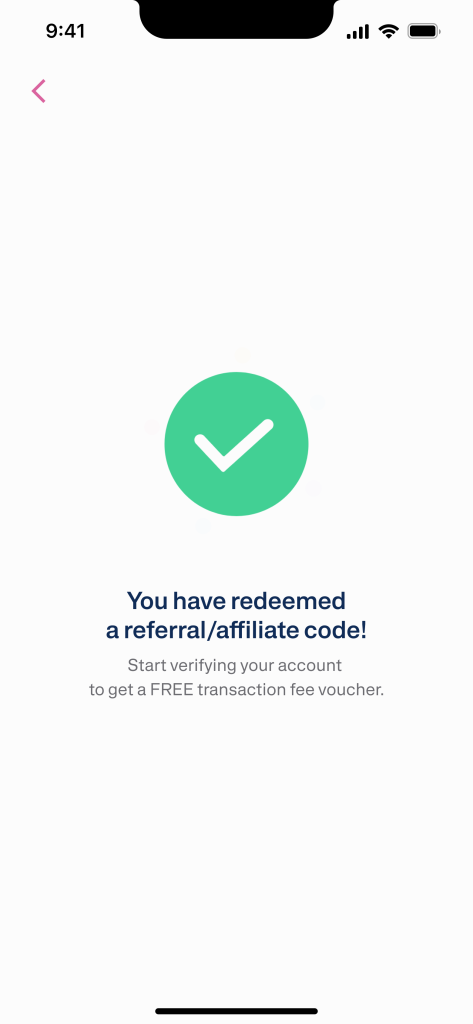
Important: Complete Your Account Verification
To ensure your reward can be processed and you can start sending money, make sure you:
- Complete your account verification (KYC)
- Fully activate your account
Once done, you’re ready to send money from Singapore to Indonesia easily with Transfez.
#SantaiTapiSampai 🇸🇬🇮🇩
Directly via WhatsApp